SHOPIFY STORE LOCATOR APP

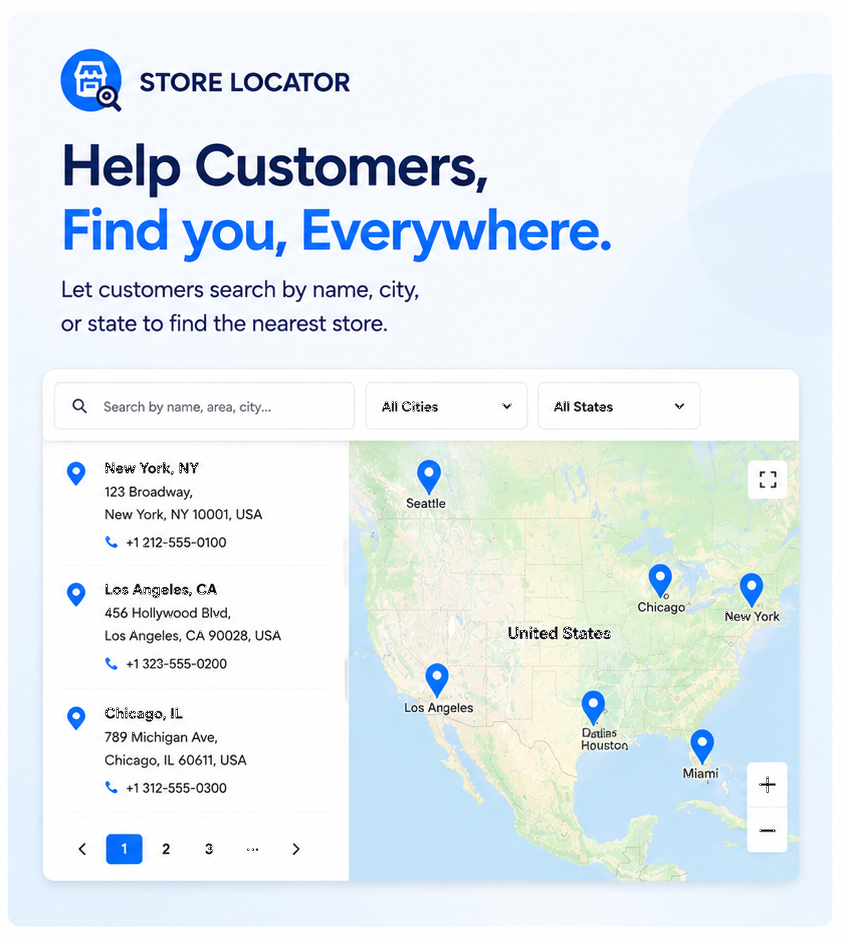
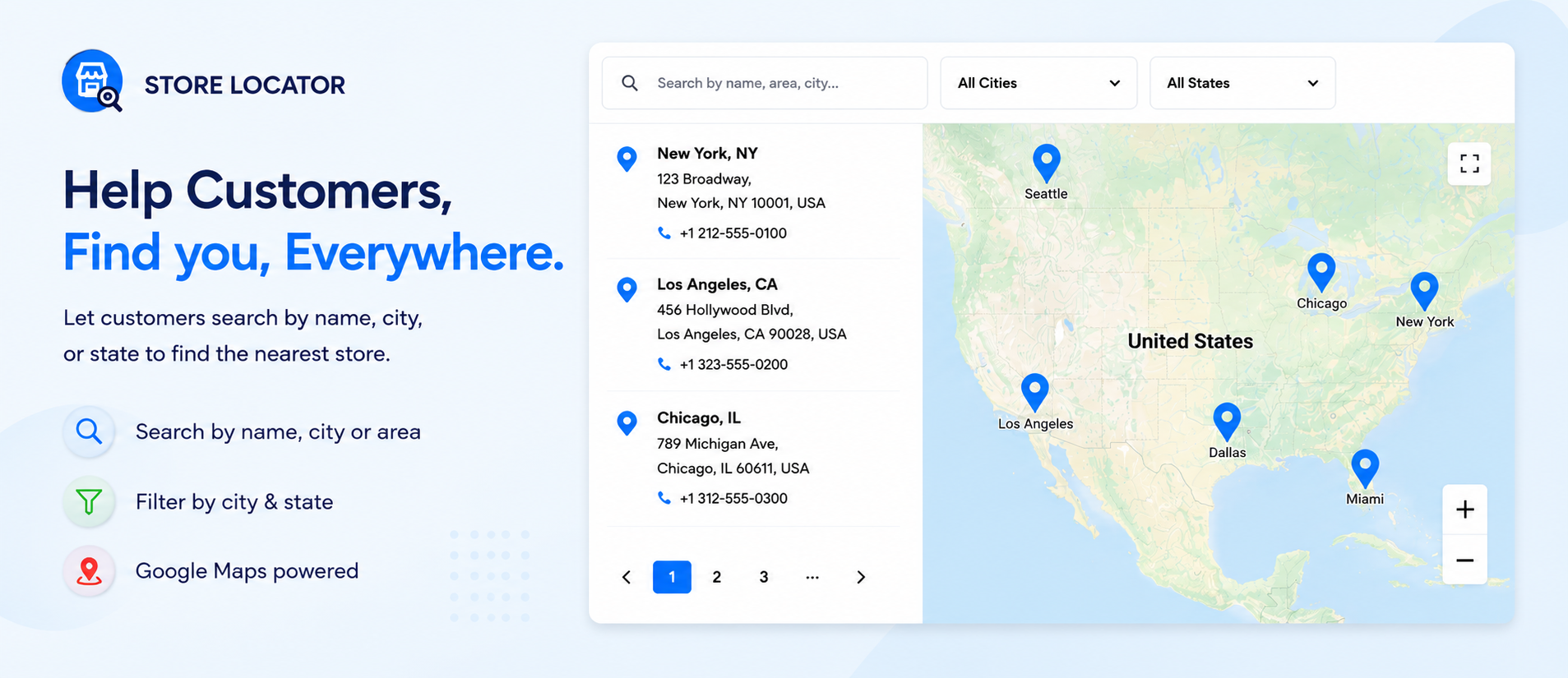
Help customers find you, everywhere

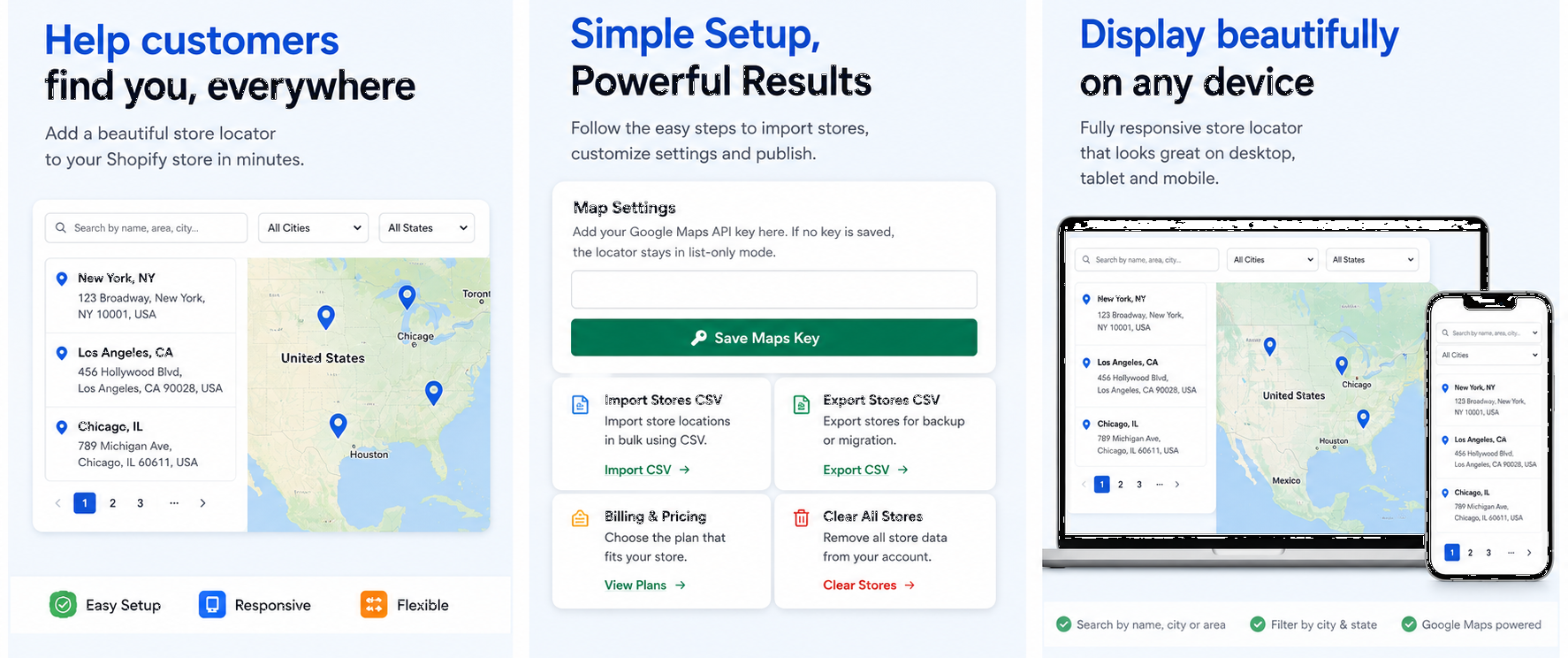
Add a beautiful, fully responsive store locator to your Shopify store in minutes. Drive in-store traffic and make it easy for shoppers to locate your physical retail stores, dealers, or distributors.

  • 5-Minute Easy Setup
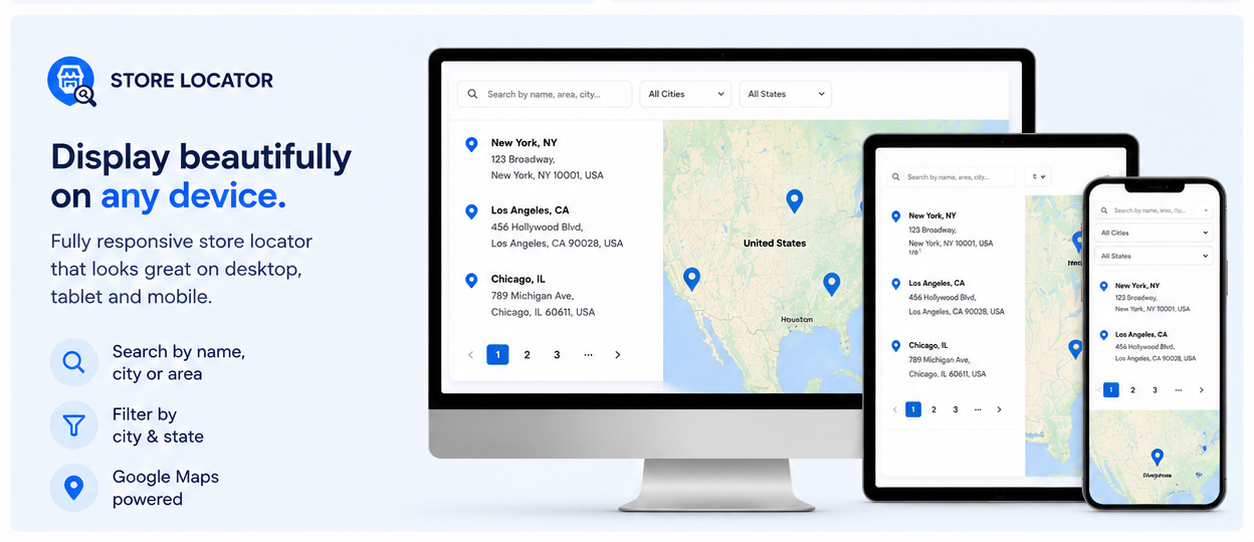
  • Fully Responsive (Mobile, Tablet, Desktop)
  • Google Maps API Optional
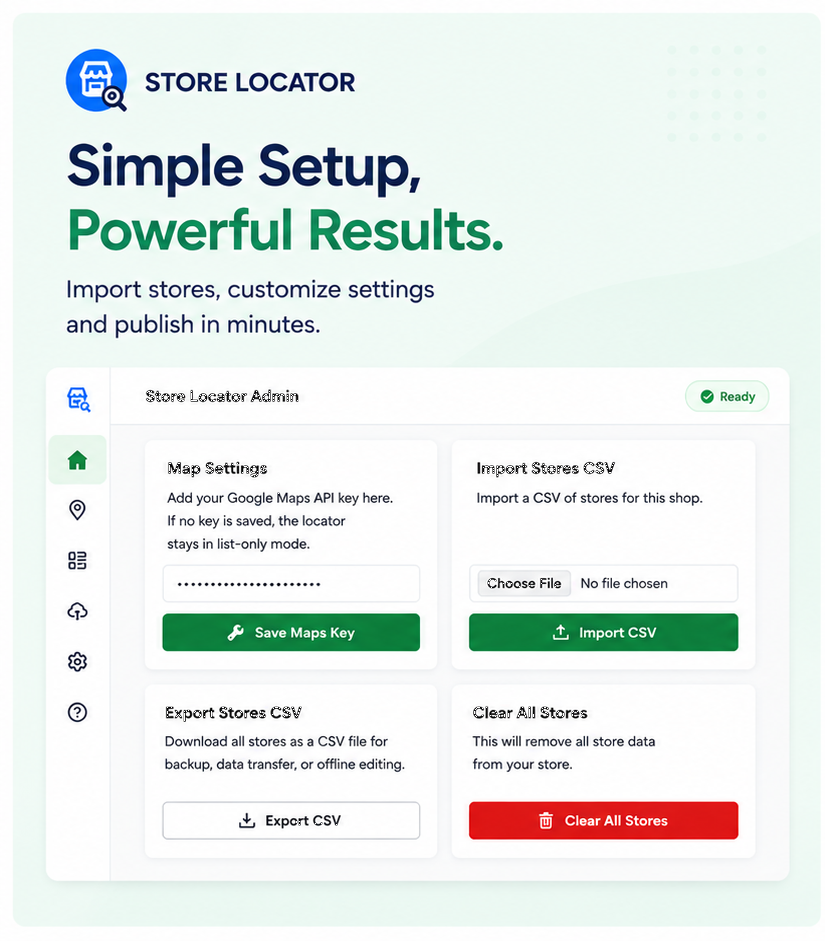
Sapiex Store Locator Dashboard View
Core Capabilities

Designed for simplicity, built for growth

Explore the powerful features that make Sapiex Store Locator the best choice for Shopify merchants worldwide.

Bulk CSV Import & Export

Save hours of manual data entry. Upload hundreds of store locations instantly with our custom CSV template. Note: Coordinates (latitude and longitude) must be filled in manually by the user in the spreadsheet before uploading.

Download CSV Template
Google Maps Integration

Save your Google Maps API key to activate beautiful interactive map views, pins, and driving directions. Or run in list-only mode without any key.

100% Mobile Responsive

Delight shoppers with a store locator that scales flawlessly. Looks stunning and functions perfectly on desktops, tablets, and mobile devices.

Available Application Features

Every store locator page comes equipped with these specialized frontend capabilities.

Store Hours

Display open/close timings for each location.

Holiday Closures

Inform customers of closures during holidays.

Directions Button

One-click directions routing on maps.

Click-to-Call

Allow shoppers to dial store phones instantly.

WhatsApp Button

Let customers chat with store reps directly.

Location Search

Search outlets by name, city, or area.

ZIP/Postcode Search

Quick location filters using postcodes.

Geolocation

Auto-detect location to show closest stores.

Live Demo & Setup Guide

See how it integrates on a Shopify storefront

We have built a dedicated demo store for you to experience the customer-facing frontend. Watch our configuration walkthrough video on the right to see how simple it is to get installed.

Demo Store Access Credentials

Shopify requires a password to preview templates prior to publication. Use the following password to log in:

Store Password: sapiex
Visit Live Demo Store
Interface Preview

Clean, minimalist, and elegant design

Take a look at the merchant settings panel and customer interface layouts. Click any image to view it in full size.

Shopify Storefront View
Fully Responsive Layout
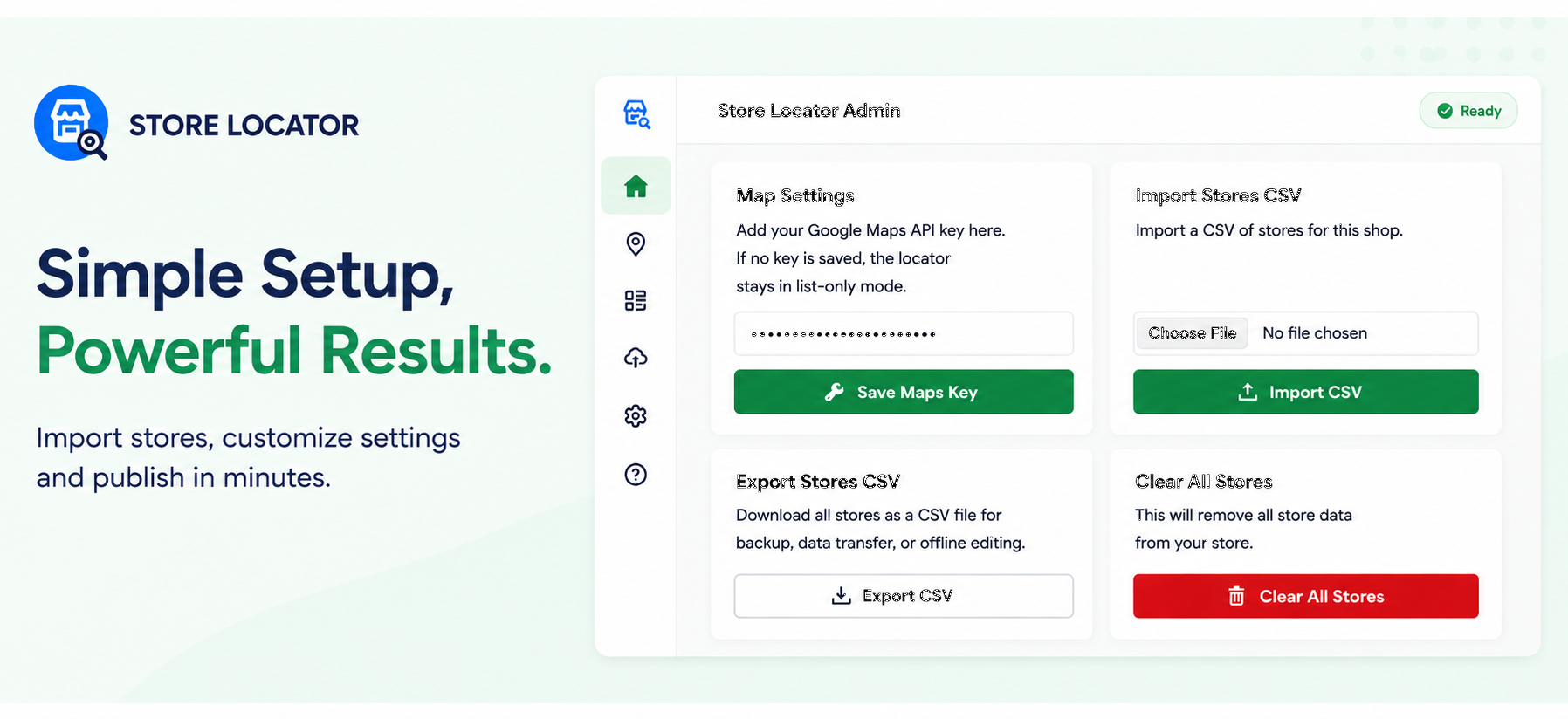
Admin Settings Panel
Bulk CSV Import Dashboard
Bulk CSV Import Settings
Detailed Store List View
Mobile Devices Mockup
Affordable Plans

Plans that scale with your retail operations

Choose the plan that matches your store volume. No hidden setup fees, upgrade or downgrade anytime.

Development Plan

Perfect for Shopify Partners & developers setting up client stores.

$0 / Free

  • Test in development stores
  • Unlimited testing locations
  • Import & Export via CSV
  • Standard email support
Install on Dev Store
Growth Plan

Designed for regional brands and expanding physical footprints.

$14.99 / month

  • 101 to 799 stores
  • Bulk import & export via CSV
  • Google Maps API optional
  • Custom markers & styles
  • Priority email support
Start 7-Day Free Trial
Common Questions

Frequently Asked Questions

Need help? Read our answers to common questions about setting up and using the Store Locator app.

No, it is optional. If you do not save an API key, the store locator operates in a clean, list-only layout displaying location names, addresses, phones, and metadata. Entering an API key enables interactive maps, custom pins, and driving directions.

Setup is very simple and takes just 5 minutes. You will need to create a new page template (or online store 2.0 template) called 'store-locator' (or any name you prefer), add the Sapiex Store Locator app block to this template, and use this template in a new page to display all the stores.

Yes. You can download our template CSV spreadsheet, enter store details (manually providing the exact latitude and longitude coordinates), and upload it inside the app dashboard to create locations in bulk.

We do not keep your store data. It is deleted from our servers the moment the app is uninstalled. Some residue data may be available in our encrypted backup logs; however, everything is completely purged after 30 days.

Yes. We offer 24-hour email support to all merchants. If you need help importing location lists, setting up Google Maps credentials, or template configuration, reach out to us.

Yes. If you do not want to display WhatsApp contact details or open/close times, simply leave those columns completely blank in your CSV template during import, and they will not display on the storefront locator.
Get in Touch

We are here to help you get set up

Have questions about import templates, Google Maps keys, or how to integrate the locator onto your page? Send us a message and our support team will reply within 24 hours.

Email Support
[email protected]
Response Time
Under 24 Hours (Mon - Fri)

Send a Message